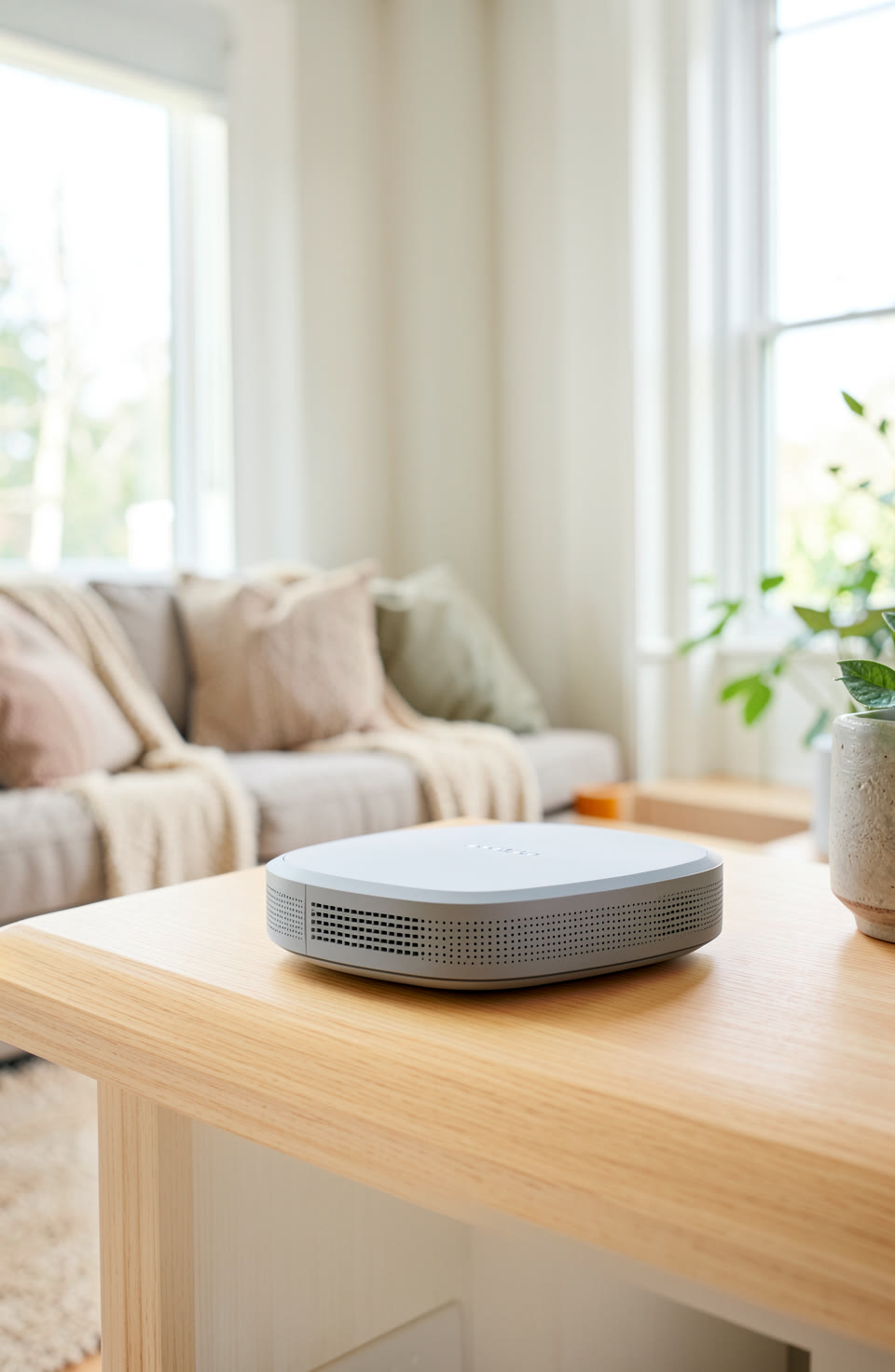

You can share your Wi-Fi with a QR code instead of writing down the password. This makes it easier for guests to join without needing you to spell everything out.
Why Use A QR Code For Wi-Fi
Sharing Wi-Fi through a QR code is simple and convenient. Guests can scan the code with their phone and connect automatically, without having to remember your password or type it in. It’s especially useful when you’re hosting friends or family who may not know how to set up Wi-Fi themselves.
How To Create A QR Code For Your Wi-Fi
On most phones, you can create a QR code for your Wi-Fi by opening the camera app and using the ‘QR code’ option. Some apps let you generate it directly from settings or through a third-party tool. Make sure to include the network name and password in the correct format so it works when scanned.
Letting Guests Join Without Spelling The Password
A QR code hides your Wi-Fi password, which keeps it safe from prying eyes. You don’t have to tell anyone what it is, just provide the code. This is good for people who are worried about their password being stolen or shared without permission.
Using The Right Tool For Better Accuracy
If you need to measure things accurately for DIY jobs, there’s an app that has 22 tools in one. You can use it for tasks like checking levels or measuring distances with your phone’s sensors.
What To Do If The QR Code Doesn’t Work
Sometimes, the QR code might not work if there are typos in the password or if the Wi-Fi name has special characters. Double-check that everything is correct and try again. You can also use a different app to generate the code for better results.
Frequently asked questions
Can I share my Wi-Fi with just a QR code?
Yes, you can share your Wi-Fi using a QR code instead of writing down your password. It’s quick and secure.
How do I make sure my QR code works?
Make sure the network name and password are typed correctly when creating the QR code. Some apps will check for errors before generating it.
Is there an app that can help with DIY tasks?
There’s an app with 22 tools in one, including a level and ruler, that works without needing a connection or account. It’s great for simple measurements and checks.
Sharing Wi-Fi through a QR code is quick and secure. If you need help with DIY tasks, there’s an app that can assist you with basic measurements and checks.
More from AstroForged


