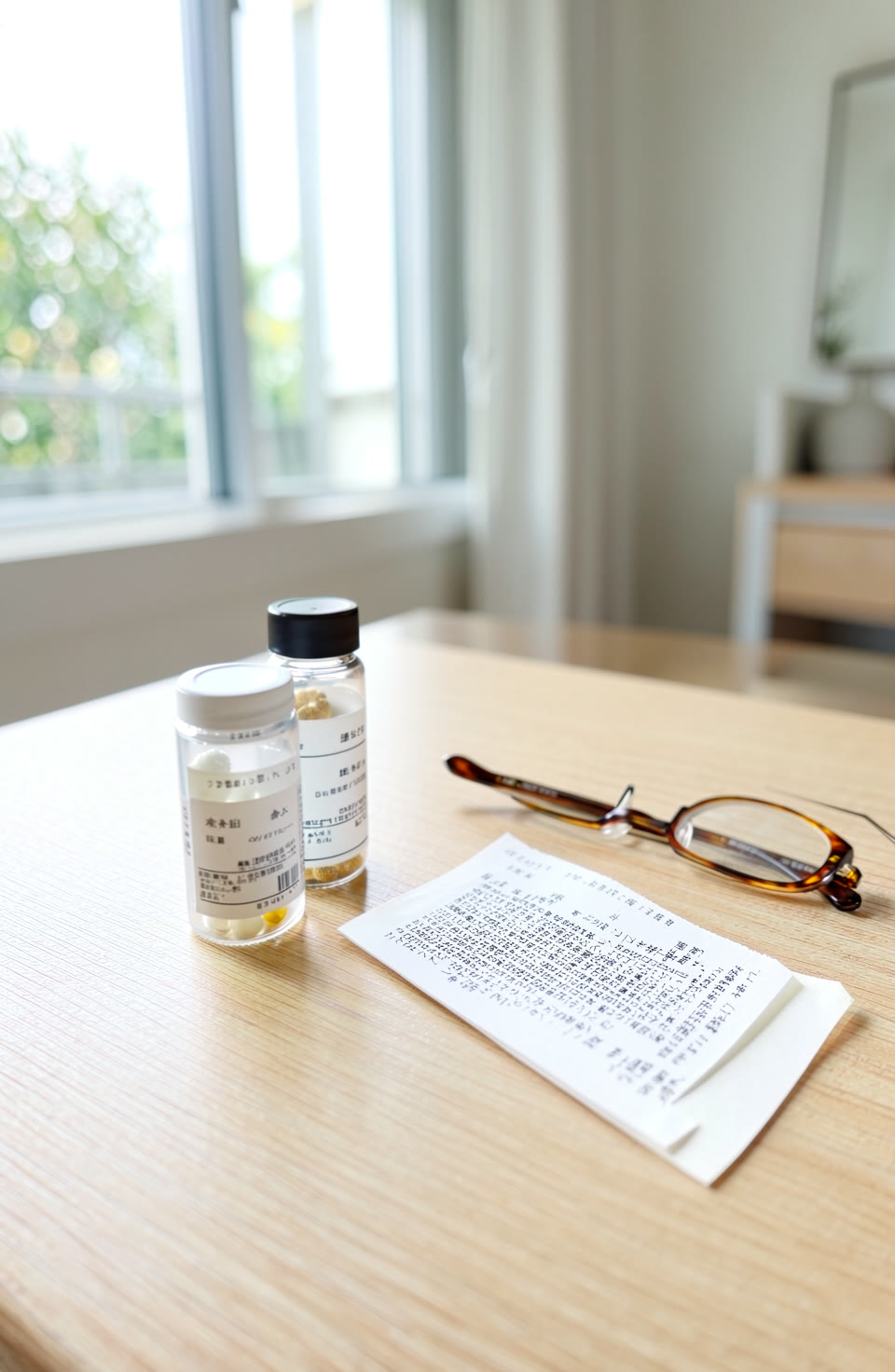

Reading tiny print can be tricky without glasses. This guide gives you simple ways to see small text clearly. You’ll learn how to use everyday tools and your phone.
Use a Magnifying Glass or Lens
A magnifying glass is one of the easiest ways to read small print. Hold it close to your eye, then move it slowly away until the text becomes clear. If you don’t have a magnifier handy, try using a pair of reading glasses from a friend. For something more permanent, consider getting prescription glasses if you often need to read small details like labels or receipts.
Use Natural Light
Good lighting makes all the difference when trying to see tiny print. Avoid reading in dim light or direct sunlight, which can cause glare and make text harder to read. Try holding the label or receipt up to a window during the day, but don’t look straight at the sun. If it’s too dark, use a lamp with a warm light bulb—avoid bright white lights as they can strain your eyes.
Use Your Phone Camera
The camera on your phone can help you read small print by zooming in. Point the camera at the text and tap the screen to zoom. If the text is still too small, try using a magnifier app that lets you adjust the zoom level. Some apps also let you crop the image so only the part you need is shown clearly.
Use a Ruler or Straight Edge
When trying to read tiny print, it can help to align the text with a straight edge like a ruler or even a piece of cardboard. Place the edge along the top of the text and look at it from above. This helps your eye focus more clearly on the line you’re reading. It also makes it easier to follow the text as you move down the page.
Use the Toolkit App for Help
The Toolkit app has a few tools that can help with small print. For example, the ruler tool lets you measure distances and align text more precisely without needing actual rulers or levels. You can also use the compass to ensure your phone is level when reading something like a receipt or label. These tools are approximate and not meant for professional use, but they can make it easier to see small details in everyday situations.
Frequently asked questions
Can I read small print just by squinting?
Squinting might help slightly, but it’s not reliable. It strains your eyes and doesn’t improve clarity much. Using a magnifier or good lighting is better.
What if the text is too dark to see?
Try using a light source that reflects off the surface you’re reading instead of shining directly on your face. This reduces glare and makes the text easier to read.
How can I make my phone screen bigger for small print?
You can zoom in by tapping the screen or using the magnifier function in some apps. Some phones also let you adjust the font size, which helps with readability.
Reading tiny print doesn’t have to be a struggle. With simple tools and good lighting, it’s easier than you think. The Toolkit app offers extra help if you need it.
More from AstroForged


