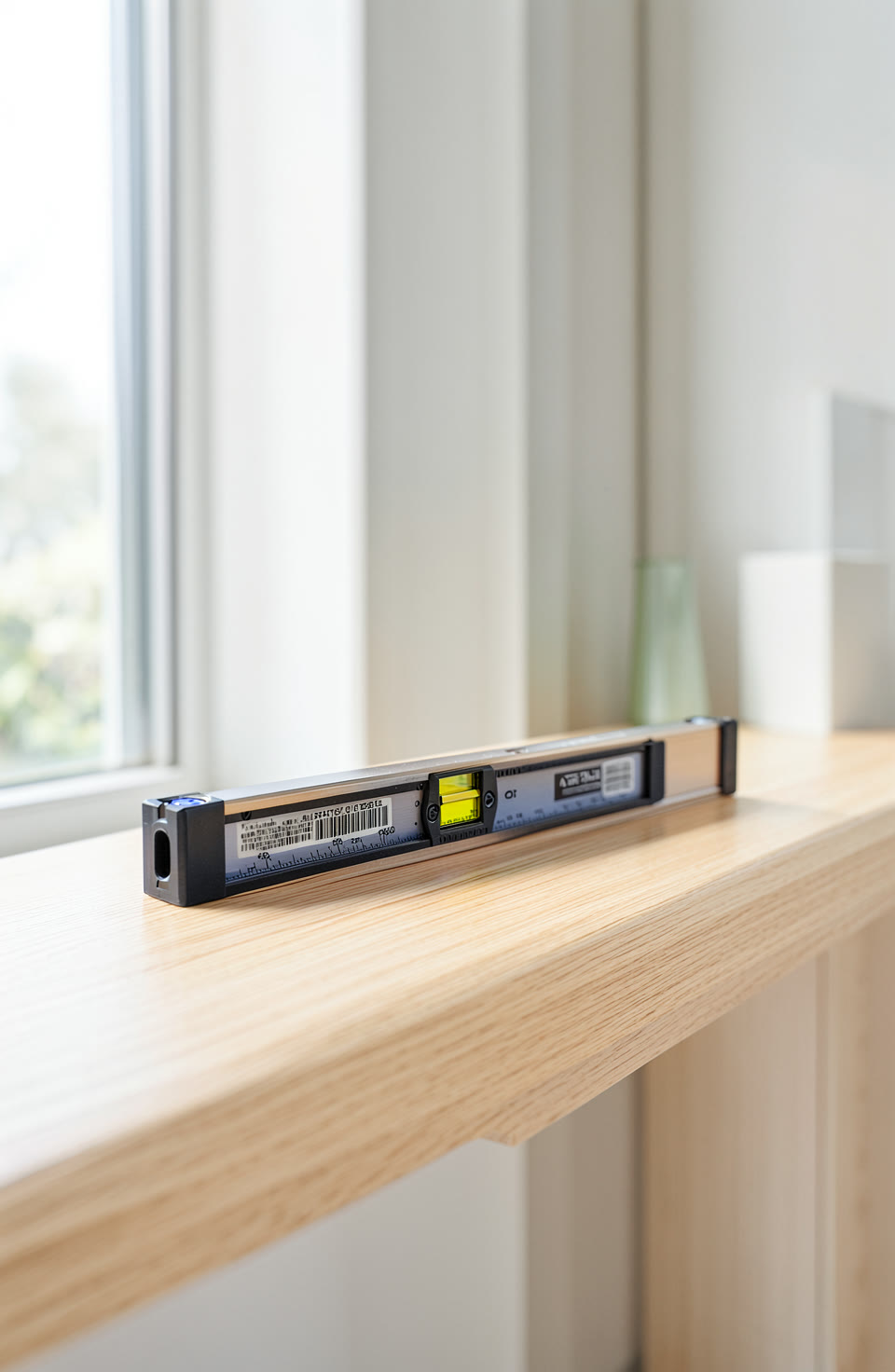

Calibrating your phone level ensures reliable readings. A small error can make a big difference.
What Is A Phone Spirit Level
A phone spirit level uses the device’s sensors to show whether a surface is horizontal or vertical. It’s handy for DIY, camping and everyday tasks. Most phones have one built in.
But like any sensor, it needs regular checks. Over time, small errors can build up. This is why calibration matters. A tiny mistake can lead to big problems if you’re building or setting things up.
Why Calibration Matters
Your phone’s sensors are not perfect. They work well enough for most jobs but aren’t always spot on. Calibrating resets them so they give the best possible results.
When you calibrate, you’re telling your device what ‘level’ really means in real life. This helps it make better guesses about surfaces and angles. It’s like resetting a compass before heading out.
What Half A Degree Means In Practice
Half a degree may seem small, but it can affect how things sit. If you’re mounting a shelf or setting up a tent, even a slight tilt can let in more wind or make the surface feel uneven.
On a phone level, half a degree might look like just a tiny bubble shift. But in practice, this could mean the difference between a stable setup and one that wobbles. It’s important to know how your tool works.
How To Calibrate Your Phone Level
Calibration is simple but needs care. Find a flat surface you’re sure is level, like a floor or a table. Place your phone on it so the screen faces you.
Tap the calibrate button in your app. Wait for it to finish. This ensures any small errors are reset.
The Role Of Your App
Your app has tools that help with many tasks, from measuring angles to checking directions. It shows when a tool is an estimate and when it’s more reliable.
All the tools work without needing internet access. You can use them anywhere, even in remote areas. The app also hides any tools your phone cannot support so you know what you’re working with.
Frequently asked questions
How Often Should I Calibrate My Phone Level?
Calibrate before each use if you need high accuracy. For simple tasks, once a week is enough.
Can A Phone Level Replace A Real One?
No. Phone levels are good for general use but not for professional work. They’re estimates, not replacements.
A phone level is useful but needs regular checks to work well. Keeping it calibrated helps you get better results. Your app has all the tools needed for everyday use.
More from AstroForged


