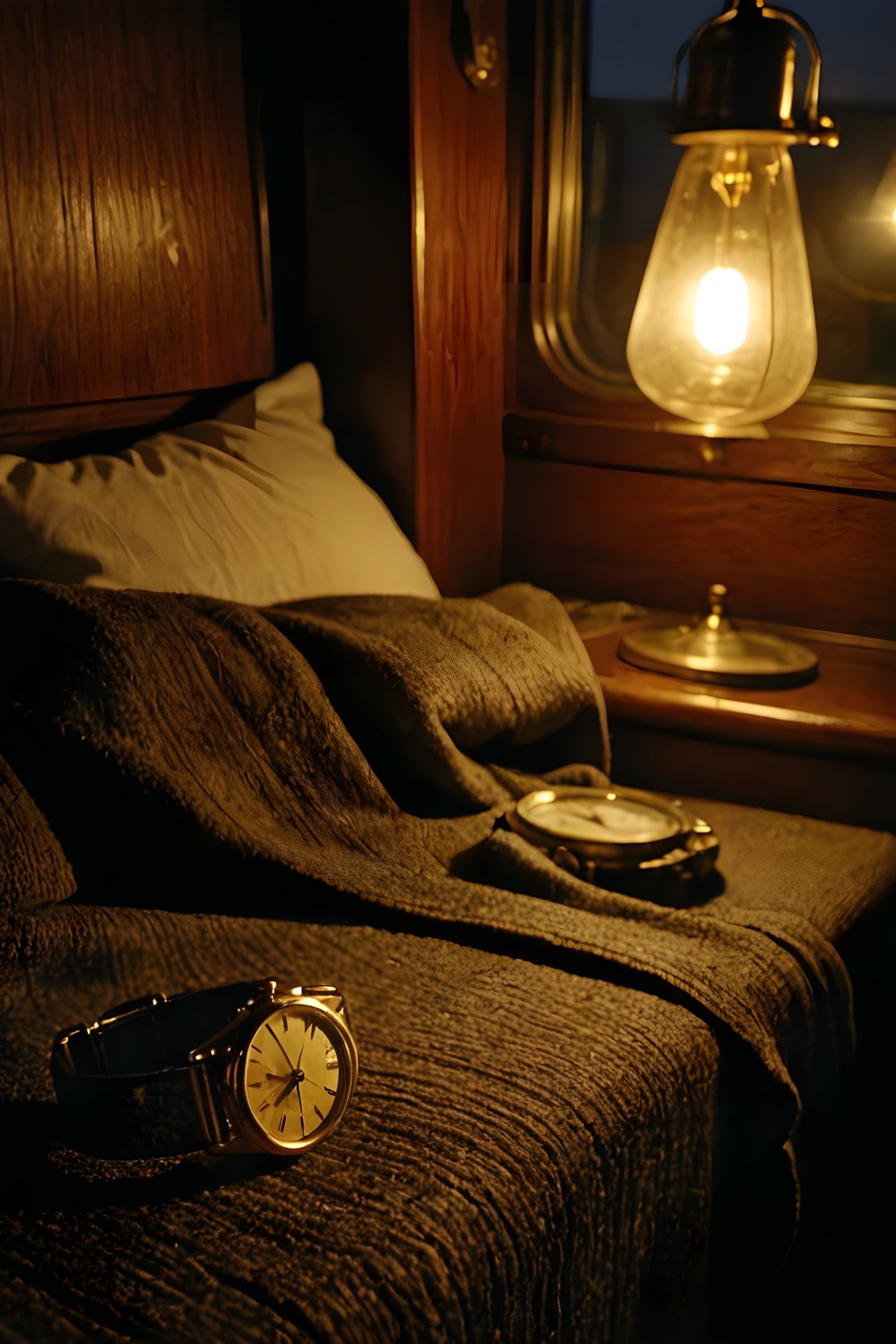

These hidden object game tips are for anyone who has just woken at 02:35 in a berth they never booked, on the 21. 50 sleeper in March 1974, aboard a train that will not stop. The Quiet Carriage is a slow, atmospheric mystery where you search each coach for the objects on your list, and it rewards patience more than speed. Here are twelve practical ways to find every object while keeping the mood intact.
Learn how the object list works
Tip 1: Treat the list as a queue. The object list shows up to six names at a time, or five in the Coach B corridor, and they always come in the room's fixed order. When you find an object, the next name takes its place. This means you can only find what is currently listed. If you spot something interesting that is not on the list yet, make a mental note of where it is and come back when its name appears.
Tip 2: Tap without worrying. Misses cost nothing. Tapping the wrong thing, or an object that is not on the list yet, carries no penalty, and there is no score to protect. If something looks even slightly like the name you are hunting for, try it. Searching here is about curiosity, not caution.
Get closer to the scene
Tip 3: Zoom in when objects get small. Double-tap anywhere to zoom to 2x, or pinch to zoom up to 2. 5x. Small or partly hidden objects are much easier to pick out up close, and zooming lets you scan a room in sections rather than all at once.
Tip 4: Check under the list. While you are zoomed in, the object list fades out, so you can see the floor and anything else it normally covers. If you have searched a room thoroughly and one name still will not turn up, zoom in and look at the area the list usually sits over. It is an easy place to overlook.
Turn on the search helpers
Tip 5: Use Highlight interactables. In Settings, this option draws a frame around every object currently on the list. Some players will want it on from the start; others may prefer to save it for a room that has them stuck. Either way, it is there to make searching easier, not to judge how you play.
Tip 6: Turn on Object silhouettes. Also in Settings, this puts each listed object's cut-out shape next to its name. A name can sometimes describe several things in a busy room, and the shape tells you exactly what to look for.
Tip 7: Try the Readable font. This setting switches the interface and every document, handwriting included, to Atkinson Hyperlegible, and it straightens the tilted handwritten lines. If you find handwriting slow to read on a small screen, this makes notes and documents much easier to take in.
Use the hint wisely
Tip 8: Know what the hint can do. The hint always knows the next step, whether that is an object to find, a door to try, a key to use or a thread to pull. It recharges in 60 seconds on Casual and 180 seconds on Expert, and that is the only difference between the two difficulties. Expert does not change the search itself; it simply asks you to lean on your own eyes for longer between hints.
Tip 9: Try the doors. Locked doors still talk. Trying a door that will not open gives you a line, so nothing is a dead click. If you are unsure where to go next, testing a door costs nothing and keeps the story moving.
Settle in for a comfortable search
Tip 10: Adjust the motion if you need to. The picture sways with the rails: the camera bobs at the rail-joint rhythm of 60 ft rails at the train's speed, which is 55 mph in the opening chapters. It adds to the feeling of being on a moving train, but if it makes small objects harder to focus on, Settings then Reduce motion turns it off.
Tip 11: Listen to the train. There is no music, by design. The only score is the sound of the wheels over the rail joints, plus room ambience. The rhythm is muffled inside Compartment 7 and opens up in the corridors. Headphones and a quiet room make the search more absorbing. If you hear nothing at all, Settings then Sound check plays a test effect and a narration line and reports what the sound engine is doing.
Keep your clues in order
Tip 12: Use the deduction board and journal. Finding objects is only part of the mystery. You can pin clues together on a real deduction board, and you can drag a card by its body to move it; the game remembers where you put it. Arranging cards in a way that makes sense to you is worth the few extra seconds.
The journal is narrated, and any page can be heard again with Hear this page. Subtitles are always on, so you will not miss a line if you are playing with the sound low.
Frequently asked questions
Is there a penalty for tapping the wrong object?
No. Tapping the wrong thing, or an object that is not on the list yet, costs nothing. There is no penalty and no score, so you can tap whenever something looks promising.
What is the difference between Casual and Expert?
Only the hint recharge time. The hint recharges in 60 seconds on Casual and 180 seconds on Expert. Everything else about the search is the same.
Does The Quiet Carriage have ads?
No. It is live now on Google Play.
Let the list guide you, zoom in when the details get small, and switch on whichever settings suit the way you search. The Quiet Carriage is at its best when you slow down and listen to the train between finds.
More from AstroForged


