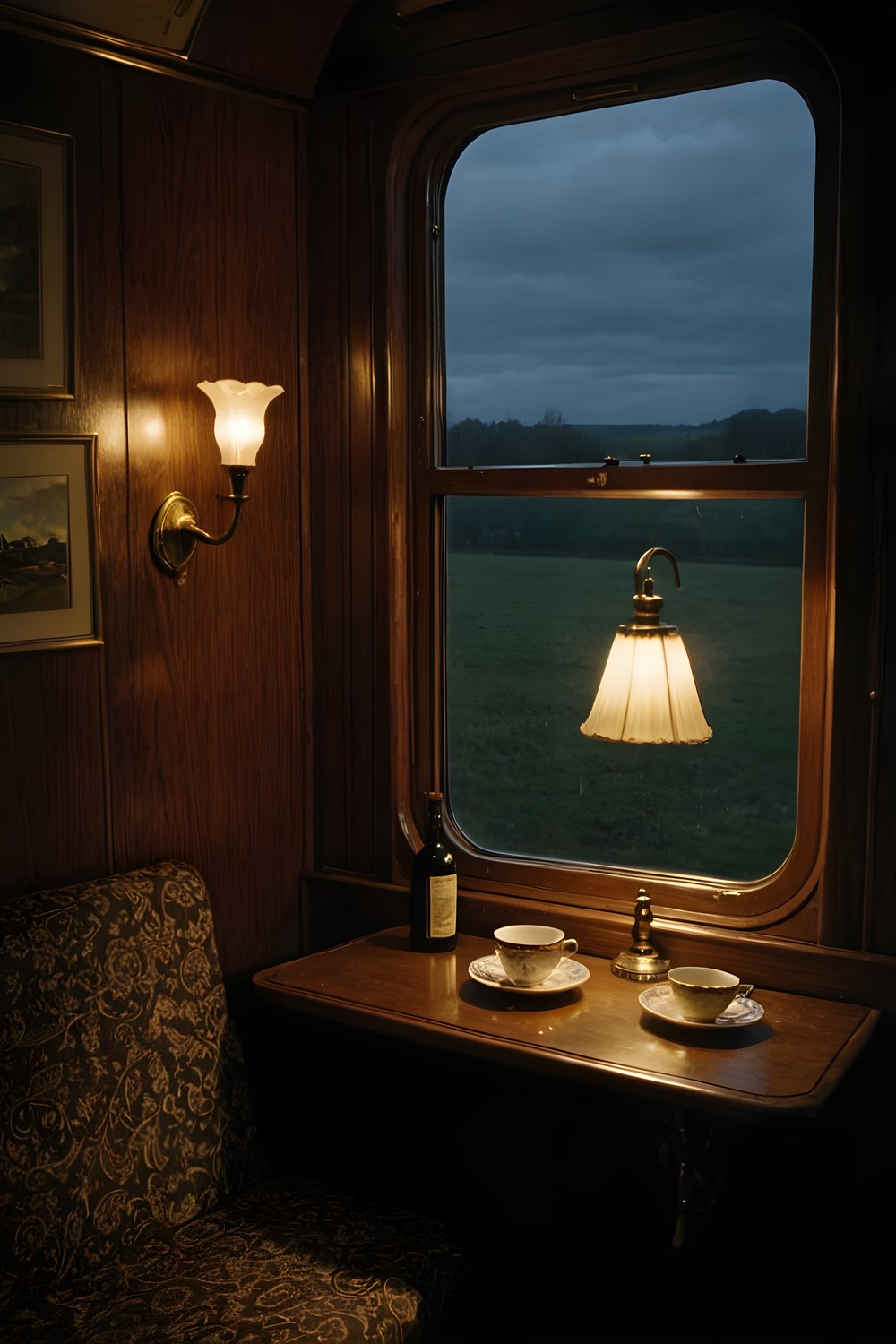
Accessible mobile games are about more than big buttons. The Quiet Carriage is a slow hidden object mystery set aboard the 21. 50 sleeper in March 1974, and its comfort options make each search, each document and the ride itself easier on your eyes and ears. This guide explains what each setting does and when you might want it.
Subtitles that are always on
You wake at 02:35 in a berth you never booked, and the train will not stop. From that first moment, every line in the game is both spoken and subtitled. You don't need to find a subtitle toggle, because subtitles are always on.
That matters more than usual in this game. There is no music, by design. All you hear is the train's wheels over the rail joints and the ambience of each room. If you play in a noisy place or with the sound down, you can still follow everything.
The narrated journal helps too. Any journal page can be played again with "Hear this page", so you can listen to a passage you skimmed or follow along while you read. Locked doors also give you a line when you try them, so no tap leaves you wondering whether anything happened.
Readable font: Atkinson Hyperlegible everywhere
Much of the mystery lives on paper: notes, cards and documents you pick up as you search. Some of it is handwritten, and different people write in visibly different hands. That suits the story, but slanted cursive can be hard to read on a small screen.
Turn on Readable font in Settings and the interface and every document, handwriting included, switch to Atkinson Hyperlegible. This typeface was designed to keep similar letters easy to tell apart. The setting also straightens tilted handwritten lines, so a sloping note reads as a level line of text.
Printed items such as the card ticket are set in real typefaces, not lettering drawn by an image model. With or without the readable font, the words on screen are actual text.
Highlight frames and object silhouettes
Searching works from an object list that behaves like a queue. It shows up to six names (five in the Coach B corridor) in each room's fixed order. When you find an object, its name is replaced by the next one, so you can only find what is currently listed.
Highlight interactables, in Settings, draws a frame around every object currently on your list. It suits you if you know what you're looking for but find it hard to pick out among the clutter of a dim compartment.
Object silhouettes, also in Settings, places each listed object's cut-out shape next to its name. It helps when a name alone doesn't tell you the size or shape to look for. You can use either option or both, and changing them doesn't alter the story.
Zoom helps with small details as well. Double-tap for 2× zoom or pinch up to 2. 5×. While you're zoomed in, the object list fades out so you can see the floor under it.
Reduce motion: steadying the picture
To make the coaches feel like a moving train, the camera sways gently with the rails. The bob matches the rhythm of the wheels crossing joints on 60 ft rails at the train's speed, which is 55 mph in the first two chapters.
Many players like the feeling of travel this gives. If on-screen movement makes you uneasy, or you just want a still picture to search, open Settings and turn on Reduce motion. That switches the sway off and leaves the rest of the game as it was.
Sound check and listening comfortably
Because the game relies so much on sound, there is a quick way to check that it's working. Settings, then Sound check, plays a test effect and a narration line and reports what the sound engine is doing. It's a useful first step if you hear nothing, or if the narration seems to be missing on your device or headphones.
The soundscape changes from room to room. Inside Compartment 7 the wheels are muffled and soft. In the corridors they open up and sound clearer. If you're listening closely, that shift helps you sense where you are on the train.
A gentle pace for every player
The Quiet Carriage doesn't punish you for exploring. Tapping the wrong thing, or an object that isn't on the list yet, costs nothing. There is no penalty and no score, so you can search at whatever pace suits your hands and eyes.
If you get stuck, the hint always knows the next step, whether that is an object, a door, a key to use or a thread to pull. It recharges in 60 seconds on Casual and 180 seconds on Expert. That is the only difference between the two difficulties, so Casual is a comfortable choice that doesn't cut any content.
When you pin clues together on the deduction board, you can drag any card by its body and place it where it suits you. The game remembers the layout, so you can arrange the board in whatever way is easiest for you to read.
Frequently asked questions
Can I turn the subtitles off in The Quiet Carriage?
No. Subtitles are always on, and every line is also voiced. Journal pages can be heard again with "Hear this page".
Does the camera movement make the game hard for people sensitive to motion?
The picture sways gently with the rails, but you can switch this off. Turn on Reduce motion in Settings to keep the view steady while you search.
Is Expert mode harder to see or read than Casual?
No. The only difference is how fast the hint recharges: 60 seconds on Casual and 180 seconds on Expert. Every comfort option works the same on both.
The Quiet Carriage is meant to be played slowly, and its comfort options help more players do that comfortably. It is live now on Google Play, so try Readable font, Highlight interactables and Reduce motion until the train feels right to you.
More from AstroForged


