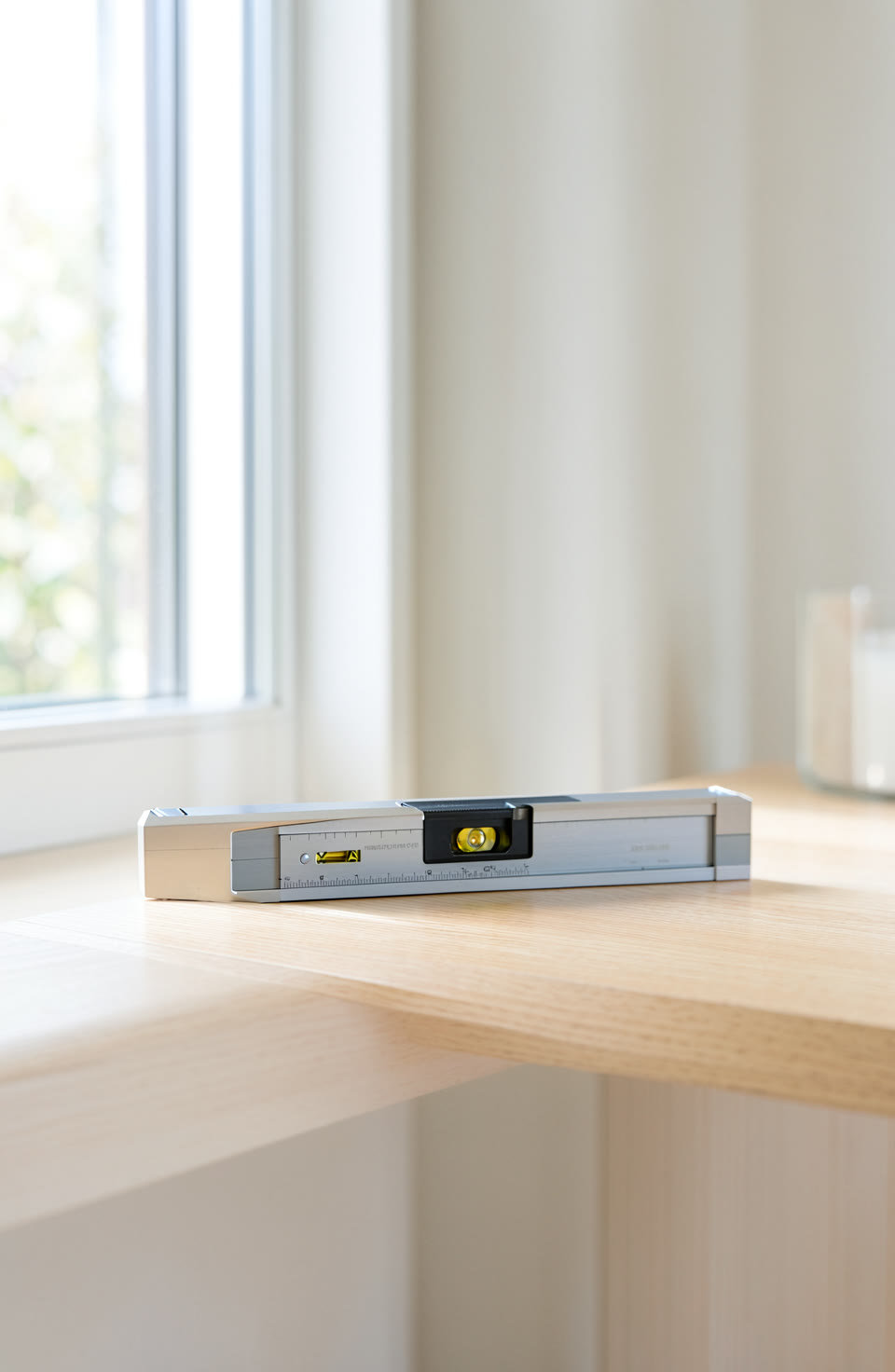

A phone spirit level can be a useful tool, but it only works well if you calibrate it first. Even half a degree can make a difference when you’re building or measuring things at home.
What Is Phone Level Calibration
Over time, the phone’s internal sensors can become less reliable. This is especially true if you use the app in different places or conditions. A small change in how the phone sits can affect the result.
Why Calibration Matters
Even a slight difference in the reading can cause problems when you’re working on projects that require precision. For example, if your phone thinks a surface is perfectly level but it’s actually tilted slightly, this could lead to uneven results. A half-degree tilt might not seem much, but over long distances or large areas, it adds up.
What Half A Degree Means
When you’re trying to build something flat or straight, even a small angle can cause issues. Imagine laying down tiles or painting a wall — if the surface isn’t exactly level, your work might end up looking uneven.
How To Calibrate Your Phone Level
Start by finding a known flat surface, like a table or floor that feels even to you. Place your phone on it and wait for the app to read the level. If the reading doesn’t look right, tap the calibration button in the app. This will reset the sensors so they can give better results next time.
What You Can Expect From A Calibrated Phone Level
Once calibrated, your phone level should give more consistent readings. It’s not perfect, but it’s much closer to what you need for most everyday tasks. Remember that phone sensors are approximate and can be affected by movement or temperature changes. Always double-check with other tools if you’re working on something important.
Frequently asked questions
Does calibrating the phone level really make a difference?
Yes, even small changes in angle can affect your work.
How often should I calibrate my phone level?
Whenever you notice the readings are off or after moving to a new location. It’s a quick fix that improves results.
Can I trust the phone level for important jobs?
Not entirely, but it can be part of your toolkit. Always use other tools like a spirit level or ruler for critical tasks.
Calibrating your phone level makes it more reliable for everyday use. The Toolkit app has 22 tools in one and works without needing internet access. It’s a handy addition to your DIY kit.
More from AstroForged


