Good hidden object game hints should get you moving again without taking the mystery away from you. In The Quiet Carriage, the hint always points to your next step, and the choice between Casual and Expert changes only one thing: how long the hint takes to recharge. Here is how it works, and how to pick the mode that suits the way you like to play.
Where you are when you need a hint
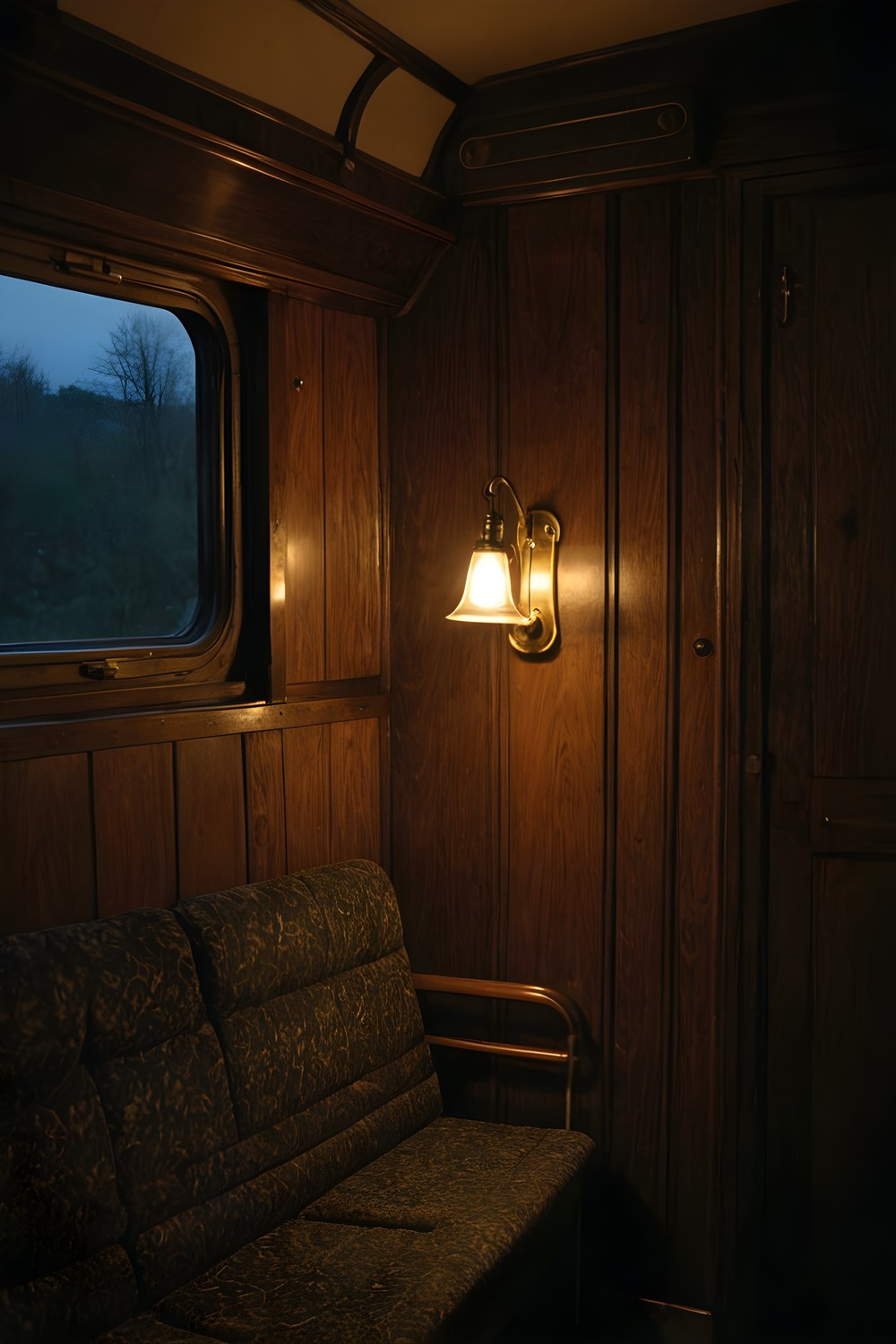
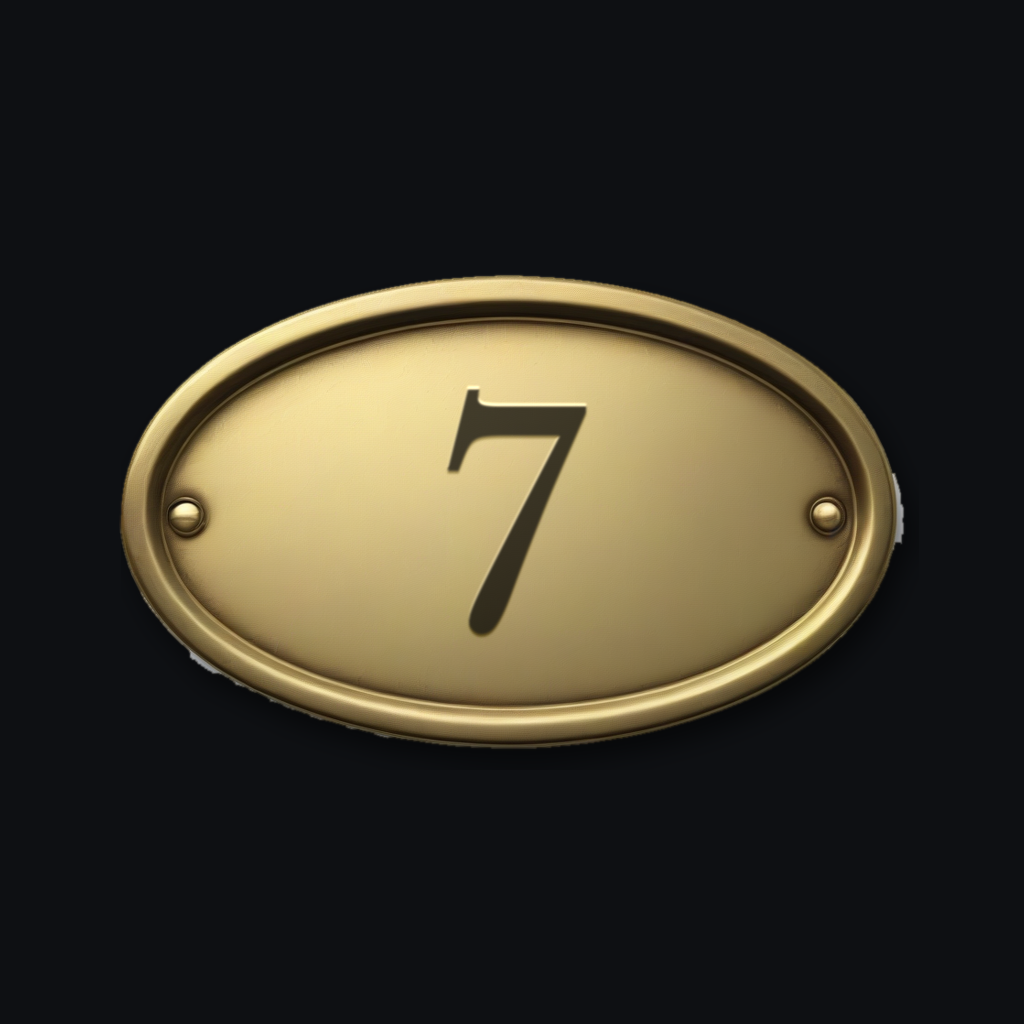
The Quiet Carriage opens at 02:35. You wake in Compartment 7 of Coach C, in a berth you never booked, under a coat that is not yours. This is the 21. 50 sleeper, March 1974, and the train will not stop.
From there the game is a slow, careful search. You work through each coach looking for the objects on your list, collect what you find in your inventory, and pin clues together on a real deduction board. A narrated journal keeps track of what you have learned. With that many threads in play, it is easy to lose track of what comes next, and that is the job the hint is built for.
What the hint actually does
The hint in The Quiet Carriage always knows the next step. That step is not always an object. Sometimes it is a door to try, sometimes a key in your inventory to use, and sometimes a thread to pull. Whatever is holding you up, the hint points at it.
This matters most when you have been staring at a scene and cannot tell whether you are missing an object or missing an action. Instead of a vague nudge in the right direction, you get the thing the game needs from you next.
The game also helps in quieter ways. Trying a door that will not open still gives you a line, so no tap ends in silence and you are never left wondering whether the game noticed.
Casual vs Expert: the only difference
The game has two difficulties, Casual and Expert, and the only difference between them is hint recharge time. On Casual, the hint recharges in 60 seconds. On Expert, it takes 180 seconds.
The hint itself works the same way in both. It is just as specific, it points to the same next step, and nothing else about the game changes with the mode you pick.
Mistakes are treated the same way too. Tapping the wrong thing, or an object that is not on your list yet, costs nothing. There is no penalty and no score, in either mode.
Choosing the mode that suits you
Pick Casual if you mostly want the story and the atmosphere, if you play in short sessions, or if you would rather not sit stuck on a scene for long. With a 60 second recharge, help is never far away.
Pick Expert if you enjoy lingering over a scene and want the satisfaction of working most things out alone. Three minutes between hints means you will usually find the answer yourself before the hint is ready, and the hint becomes more of a safety net than a guide.
Since there is no score and nothing to lose, neither choice is the right one. It comes down to how often you want help to be within reach.
Search smarter before you reach for the hint
The object list is a queue. It shows up to six names (five in Coach B) in the room's fixed order, and each name you find is replaced by the next one. You can only find what is listed, so if something catches your eye but is not on the list yet, make a mental note and come back when its name appears.
Double-tap to zoom in 2x, or pinch to zoom up to 2. 5x. The object list fades out while you are zoomed in, so you can see the floor underneath it.
Settings has several options that make searching easier. Highlight interactables draws a frame around every object currently on your list. Object silhouettes puts each listed object's cut-out shape next to its name. Readable font switches the interface and every document, handwriting included, to Atkinson Hyperlegible and straightens the tilted handwritten lines. Each of these can save you a hint or two.
A slow mystery that stays easy to follow
The Quiet Carriage has no music, by design. The only score is the sound of the train: the wheels over the rail joints, plus the sounds of each room. Inside Compartment 7 the rhythm is muffled, and it opens up when you step into the corridor. The picture sways gently with the rails too, and if that bothers you, Settings, then Reduce motion, turns it off.
Subtitles are always on. Every line is narrated and subtitled, and you can play any journal page again with 'Hear this page'.
Frequently asked questions
Does Expert mode make the searches harder?
No. The only difference between Casual and Expert is how long the hint takes to recharge: 60 seconds on Casual and 180 seconds on Expert. The hint works the same way in both modes.
Will the hint ever leave me guessing?
It is built not to. The hint always knows the next step, whether that is an object to find, a door to try, a key to use or a thread to pull, and it points straight at it.
Is there a penalty for tapping the wrong thing?
No. Tapping the wrong thing, or an object that is not on your list yet, costs nothing. There is no penalty and no score, so you can search at your own pace.
Whichever mode you choose, the hint in The Quiet Carriage will always point to your next step, so the only real question is how often you want it ready. If you like your mysteries slow, quiet and readable, Compartment 7 is waiting at 02:35.
More from AstroForged


