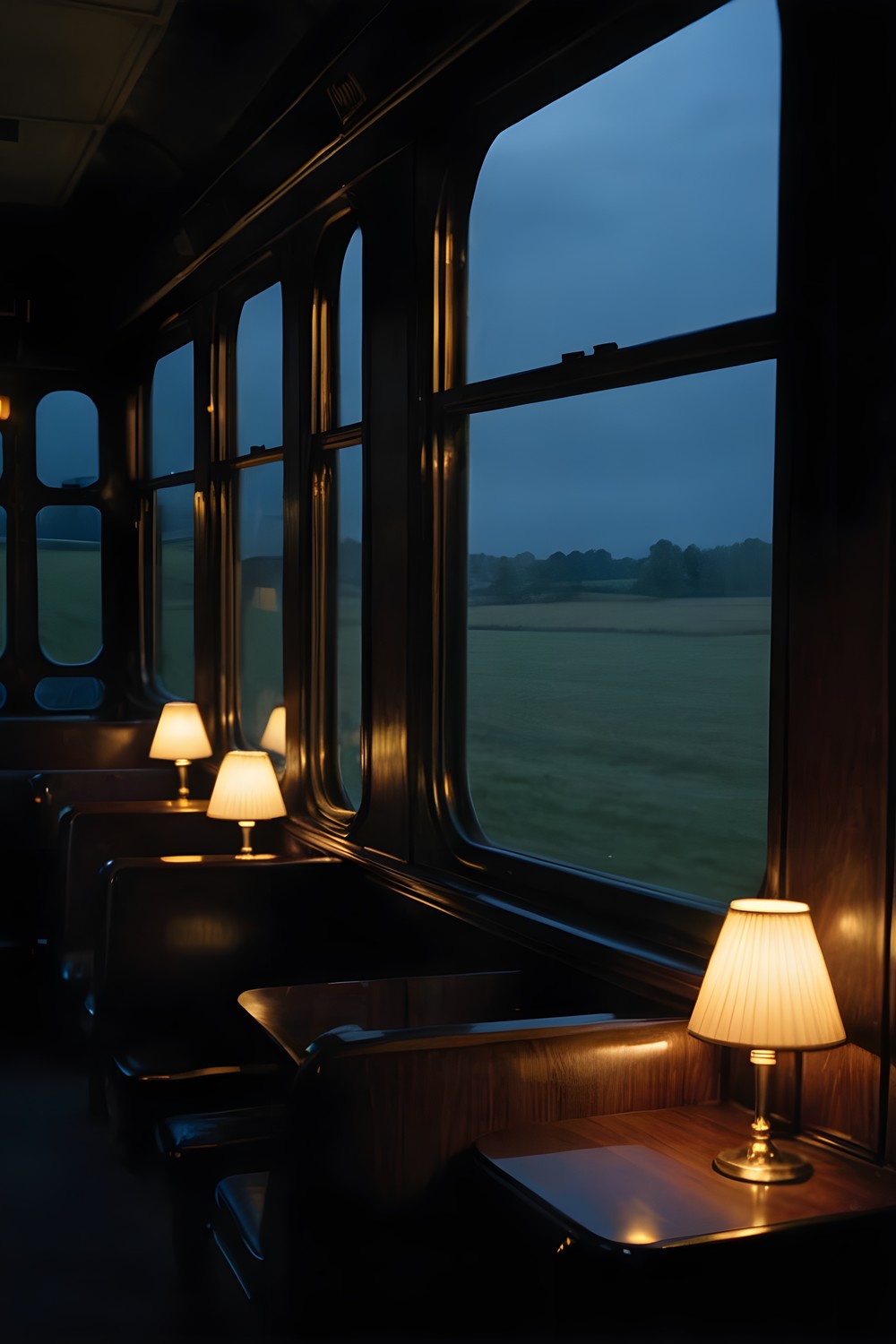

Good offline games for travel need to do a few things well. They have to run without a signal, stay out of your way, and still work when you can't turn the sound up. The Quiet Carriage: Mystery is our slow hidden object mystery set on a night train, and it was built in a way that suits a flight or a long rail journey. Here is what to expect and how to set it up before you go.
No signal, no account
The Quiet Carriage needs no internet connection and no account. Once it is installed on your phone, there is nothing to sign in to. A tunnel, a dead zone or a phone with mobile data switched off won't get in the way.
On a journey that matters more than it might at home, because nothing breaks into a scene and nothing waits on a patchy connection.
One practical tip: install the game while you still have Wi-Fi, before you leave for the airport or the station.
A mystery that fits the mood of a night journey
You wake at 02:35 in Compartment 7 of Coach C, in a berth you never booked, under a coat that is not yours. It is the 21. 50 sleeper in March 1974, and the train will not stop. From there you search each coach for the objects on your list and pin clues together on a real deduction board.
The early chapters keep you close: first your compartment, then the corridors of Coach C and Coach B. These are small, enclosed spaces, which feel right when you are playing in a cramped seat.
There is no score to chase. Tapping the wrong thing, or an object that isn't on the list yet, costs nothing and carries no penalty. You can play at whatever pace the journey allows.
Playing with the sound off
Subtitles are always on, so there is no setting to remember. If you are next to a sleeping stranger, or you simply forgot your headphones, you can mute your phone and still follow every line.
Every line of narration is subtitled. The narrated journal also has a "Hear this page" option, so you can listen to a page again once your headphones are in.
Locked doors still answer when you try them, with a line on screen. Even with the sound down, nothing feels like a dead click.
And with headphones on
There is no music, by design. The only score is the train itself: the wheels going over the rail joints, plus the ambient sound of each room. If you play on an actual train, the two can start to blur together.
The rhythm changes with where you are. Inside Compartment 7 the wheels sound muffled, and when you step into the corridor they open up.
If something sounds wrong, Settings → Sound check plays a test effect and a narration line, then reports what the sound engine is doing. That is a quick way to check a pair of wireless headphones before you settle in.
Small screens, tired eyes and a moving seat
Double-tap to zoom to 2×, or pinch to zoom up to 2. 5×. The object list fades out while you are zoomed in, so you can see the floor underneath it.
Searching can be harder on a phone held at an awkward angle, and two settings help. Highlight interactables draws a frame around every object currently on your list. Object silhouettes puts each listed object's cut-out shape next to its name.
Readable font switches the interface and every document, handwriting included, to Atkinson Hyperlegible. It also straightens the tilted handwritten lines. That helps late at night or in dim light.
The picture sways with the rails, the way the train does. If you are already rocking along on a bus or a train and want the screen to stay still, Settings → Reduce motion turns the sway off.
Getting unstuck without looking things up
Without internet you can't look up a walkthrough, so the game's own help matters. The hint always knows the next step, whether that is an object to find, a door, a key to use or a thread to pull.
The hint recharges in 60 seconds on Casual and in 180 seconds on Expert, and that is the only difference between the two. Choose Casual if you want help close at hand on a short hop. Choose Expert if you have a long night ahead and want to work more out for yourself.
The object list works as a queue. It shows up to six names in each room's fixed order, or five in Coach B, and each name you find is replaced by the next one. You can only find what is listed, so if nothing seems to fit, check what the list is actually asking for.
On the deduction board, drag a card by its body to move it. The game remembers where you put it.
Frequently asked questions
Does The Quiet Carriage work without an internet connection?
Yes. It needs no internet and no account, so it plays the same on a plane, in a tunnel or anywhere else without a signal. Just install it before you set off.
Can I play with the sound muted?
Yes. Subtitles are always on, so you can follow every line with your phone muted. The game has no music, so the only thing you miss is the sound of the train.
What if motion on screen bothers me while I'm on the move?
The picture normally sways with the rails. Go to Settings → Reduce motion to turn that off and keep the screen still.
If you want something slow and absorbing for a flight or a long night on the move, The Quiet Carriage is made to be played quietly, with or without sound. Install it before you go, set Reduce motion and the search aids the way you like them, and let the train do the rest.
More from AstroForged


