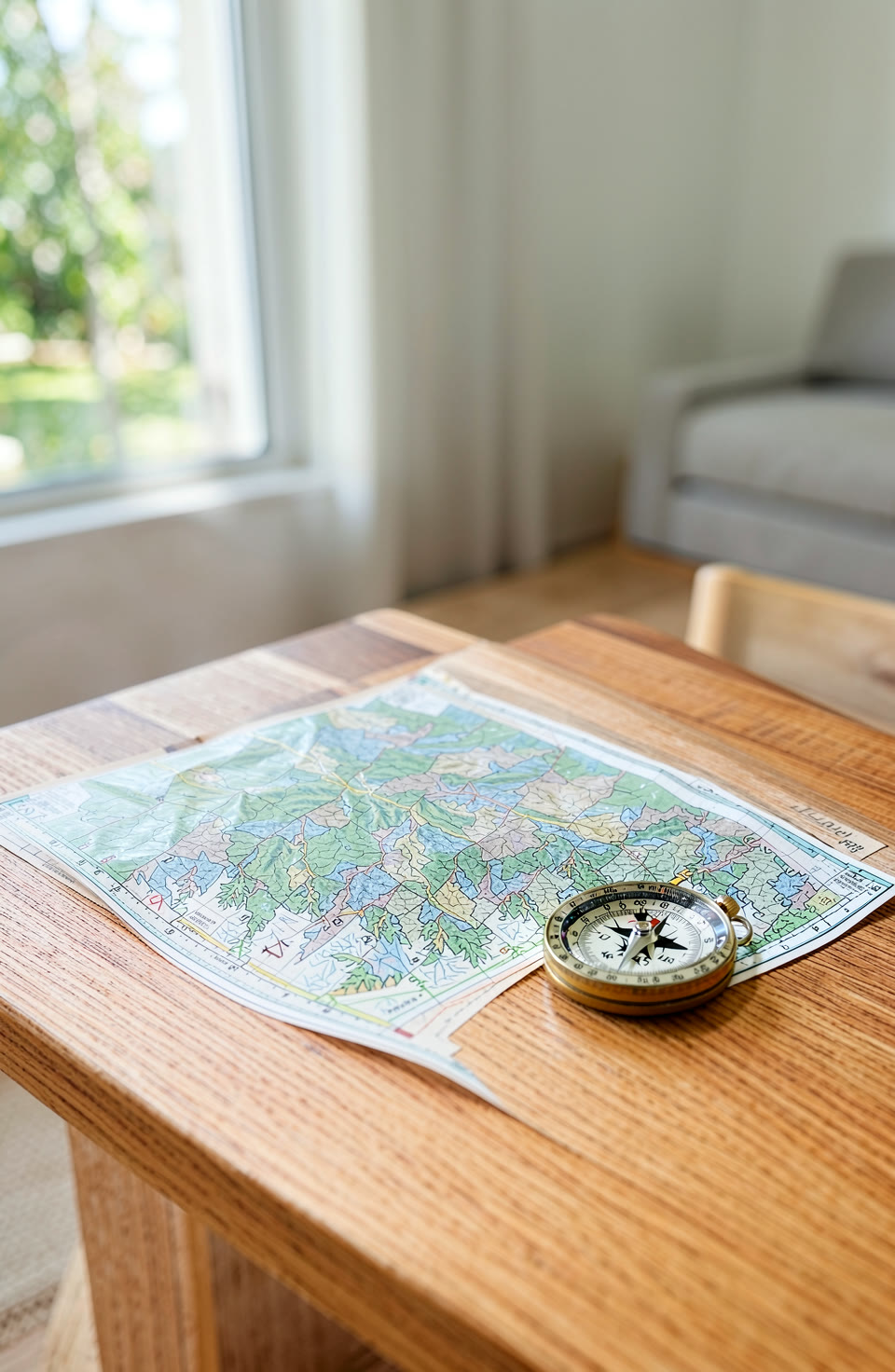

Your phone’s compass is handy for basic direction. But it isn’t perfect.
What a Phone Compass Can Tell You
A phone compass uses sensors to show direction. It works well when you’re away from metal or large magnetic objects. If you’re in an open area, like a park or field, it should give a reasonable reading. But if you’re near power lines, buildings, or even some fridge doors, the reading may be off.
The compass can help with simple tasks, such as orienting yourself while hiking or setting up equipment outdoors. It’s useful for basic navigation but not designed to replace a proper surveyor’s tools. Always think about your surroundings before relying on it completely.
What a Phone Compass Cannot Tell You
Your phone’s compass doesn’t measure exact angles or distances. It can’t tell you how far you’ve walked or if you’re heading north-east instead of north. It also won’t detect things like underground cables, pipes, or walls. Don’t use it to find wires or assume it’s safe for drilling.
The readings are an approximation and may change depending on your location and what’s around you. A phone compass is handy but not meant for tasks that require accuracy beyond general direction.
How to Check Your Phone Compass Accuracy
To make sure your phone’s compass works well, find an open space away from metal objects and large structures. Hold the device flat and still, then check if it points in a consistent direction. If it wobbles or changes quickly, it may be affected by nearby interference.
Some people use other tools to test their phone’s compass. For example, you can compare readings with a known direction, like a fixed landmark or a map. Remember that the app can help you understand how good your phone’s sensors are at any given time.
How to Calibrate Your Phone Compass
Calibration helps improve the accuracy of your phone’s compass. To do this, place your device on a flat surface and rotate it slowly in all directions. This allows the sensor to adjust for any magnetic interference. If you’re near metal or electronics, move away before calibrating.
Some phones have built-in calibration options that you can access through settings. If yours doesn’t, a simple manual check should help. A steady reading after calibration means your phone is working better in most situations.
Frequently asked questions
Can I use an app to test my compass?
Yes, there’s an app with tools that can help you understand how good your phone’s sensors are. It includes a compass and other basic measuring functions that work without internet.
Does the app explain what it can and cannot do?
The app gives honest notes about each tool, so you know exactly what to expect. It doesn’t claim to be perfect or replace professional equipment.
Is there an app I can use for checking my compass?
There’s an app that includes a compass alongside other tools. It’s useful for understanding how your phone works in the real world.
Your phone’s compass is a helpful tool, but it has limits. The Toolkit app can help you understand its strengths and weaknesses. Use it wisely to get the most out of what your device offers.
More from AstroForged


