If you are looking for games without in-app purchases, it helps to know exactly what a game gives you before you start. Ninefold Hidden Object Mystery is a story-driven mystery for adults with no timers, no energy and no purchases. This guide covers what you get, how the hints work, and whether it suits the way you like to play.
What "no purchases" means in Ninefold
In Ninefold there are no timers, no energy and no purchases. Nothing is held back behind a payment, and nothing is rationed so that you have to wait or pay before you can carry on. You play for as long as you like.
Ninefold is also fully offline. There is no network code in the app at all, so it plays the same on a train, on a plane or anywhere with a poor signal.
Your progress is looked after too. There are three save slots, and each one autosaves. Continue on the title screen picks up the most recently played unfinished slot, so you can put the game down at any point and come straight back.
What you are actually playing
Ninefold is set across nine rooms, with eight who stayed. The story opens at the Gates and in the Entrance Hall in Chapter 1, then moves to the Nursery in Chapter 2.
Each room hides sixteen objects, but the list only ever shows six names at a time. As you find them, it refills from a fixed order. If you tap an object that is not on the list yet, nothing happens. The game simply ignores it, so a wrong tap costs you nothing.
Alongside the searching there is a real deduction board, not a checklist. You link cards with thread to work out how things connect. If a connection is wrong, the thread falls with a slack-string sound and you can try again. You can also move the cards around, and your layout is saved with your game.
How hints recharge instead of anything you would pay for
Hints are where many games ask for money. In Ninefold, hints recharge over time. On Casual the hint button refills in 60 seconds, and on Expert it takes 180 seconds. A ring fills around the button so you can see how long is left.
The hint button never gets stuck. It works through a priority list: an open puzzle first, then an object in your current room (easiest first), then a hotspot, then a board thread, then an item combination, and finally the way to the nearest room that still has work left. Whatever you are stuck on, a hint points you somewhere useful.
The recharge ring is the only clock attached to your play. Nothing is timed against you, and no score drops while you think.
Searching comfortably, at your own pace
Every scene is a 2688 × 1536 painting shown in full. On a 16:9 phone you see dark margins at the sides instead of a cropped room, so nothing can hide off-screen. You can zoom up to 3×, and panning stops at the painting's edges, so you never lose your place in the room.
The accessibility options change how searching feels. "Highlight interactables" draws a frame around every listed object, and "Object silhouettes" shows each object's shape beside its name in the list.
Subtitles are always on, so the narration is never the only way to follow the story. Reduce motion is honoured throughout: crossfades drop to zero, the found-object animation shortens from 0. 9 seconds to 0. 35 seconds, and lamp flicker stops.
Sound, light and how the game is made
There is no music in Ninefold, by design. You hear only room tone, rain, clocks and narration. That quiet is part of the mood, and it makes the rooms feel lived in.
When a storm passes, the game does not just brighten the image. Each room is painted twice, once in normal light and once in a lightning flash, and the game swaps between them.
To be clear about how it is made: the art and narration are AI-assisted. The narration is one voice throughout, generated with a local text-to-speech model, and every sound effect and font is credited on the in-game Credits screen.
Tips for the first two chapters
If you want an easy start in the Nursery, look for the five objects rated easy: the bear, the winding key, the drum, the train and the marble. Every hidden object was scored as easy, medium or hard based on colour contrast, camouflage and on-screen size.
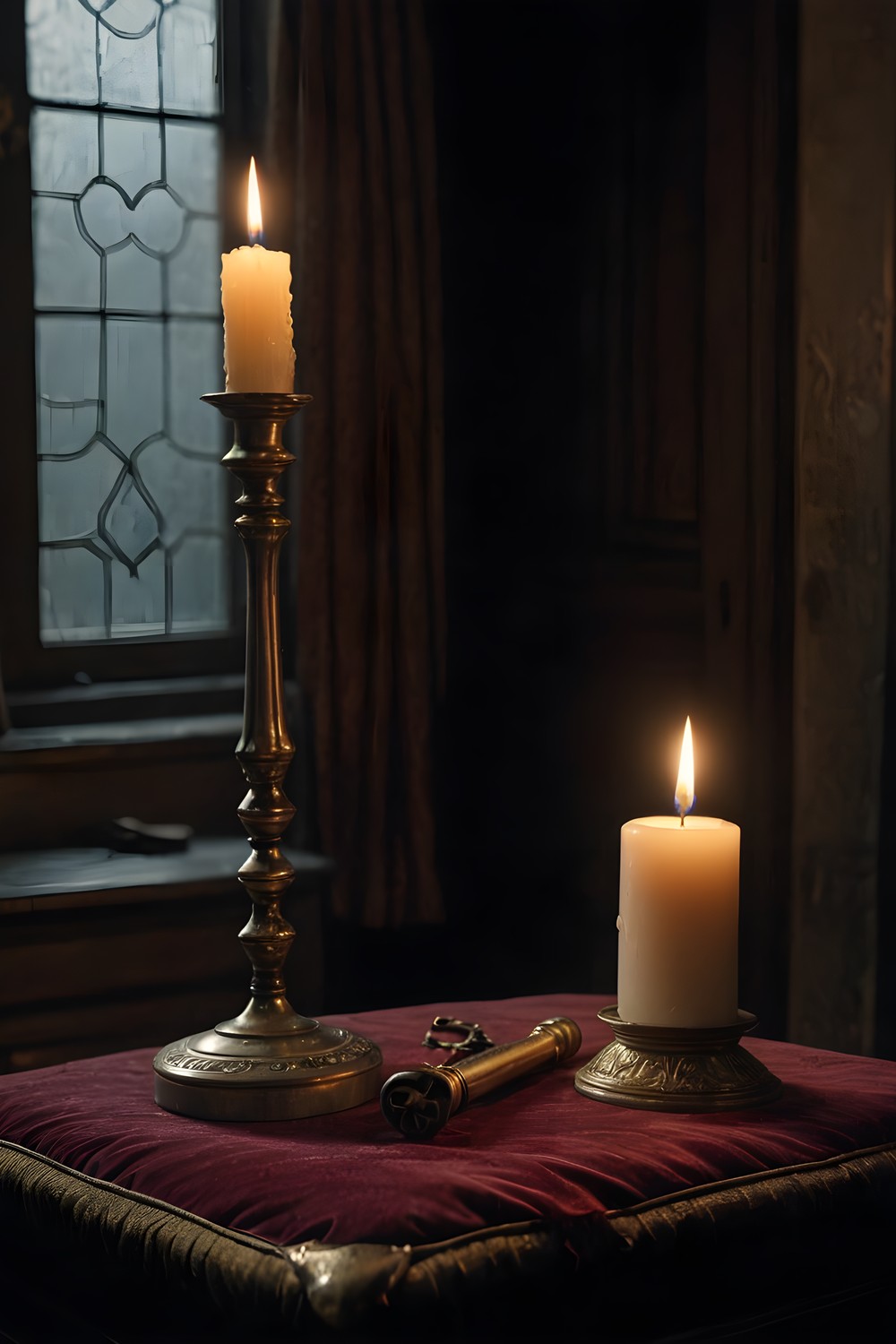
Three Nursery objects also go into your inventory: the winding key, the candle stub and the broken key, whose shaft has snapped clean off. Hold on to them.
You use items by dragging them onto the scene. Taps allow 30 pixels of leeway, but drops allow none, so make sure an item lands squarely inside the spot you mean. And once you have found all sixteen objects in the Nursery, look at the room again. Something will be there that was not there before.
Frequently asked questions
Do I need an internet connection to play Ninefold?
No. Ninefold is fully offline and has no network code at all. Your progress is saved on your device across three autosaving slots.
Is anything in Ninefold timed?
No. There are no timers and no energy. The only countdown is the hint recharge, which takes 60 seconds on Casual or 180 seconds on Expert, and it never limits how long you can play.
What happens if I get stuck?
Use the hint button. It checks for an open puzzle, then an object in your room, a hotspot, a board thread and an item combination, and if none of those apply it points you to the nearest room with work left.
Ninefold gives you the whole mystery up front, with hints that recharge instead of anything to buy. If you enjoy quiet, careful searching and a story you piece together on a board, it is live on Google Play.
More from AstroForged


