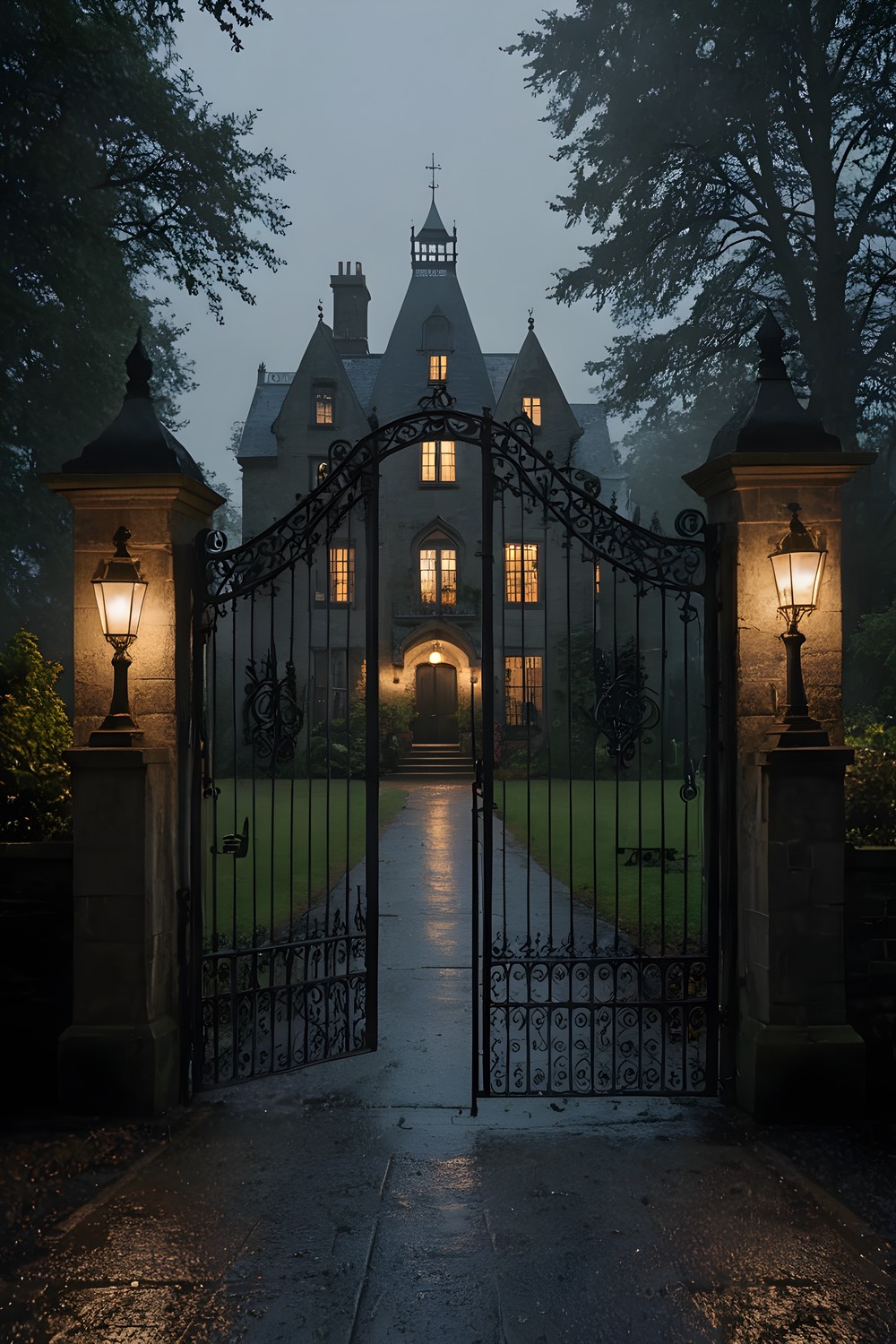
If you have ever wondered how to play hidden object games without feeling rushed, Ninefold Hidden Object Mystery is a gentle place to start. This guide covers your first rooms: the Gates, the Entrance Hall and the Nursery. It explains how searching, the object list, zooming, items and saving work, so your first session feels calm rather than confusing.
What kind of game Ninefold is
Ninefold is a story-driven mystery for adults, set across nine rooms. You search painted scenes for objects, use what you find, and piece the story together on a real deduction board rather than ticking off a checklist.
There is no clock running down while you search, no energy meter and nothing to buy. The whole game works offline, so you can play anywhere at your own pace.
There is also no music, by design. You hear room tone, rain, clocks and a single narrator. The narrator's voice is generated with a local text-to-speech model, and subtitles are always on, so you never need the sound to follow the story.
Searching a scene
Each room is one large painting, and the game always shows the whole of it. On a widescreen phone you will see dark margins at the sides instead of a cropped picture. That means nothing can hide off-screen, and everything you need is somewhere in the frame.
To look closer, pinch to zoom. Zoom stops at 3×, and panning stops at the edges of the painting, so you can never lose your place. A good habit is to scan the whole room first, then zoom into one corner at a time and work across.
Now and then a storm passes over the house. In those moments the game swaps to a second version of the same room painted in a lightning flash, rather than just brightening the image. It is worth a second look while the light changes.
Reading the six-name list
Every room hides sixteen objects, but the list only ever shows six names at once. When you find one, the next name slides in from a fixed order until all sixteen are done.
Only listed objects count. If you tap something that is not on the list yet, nothing happens: the game ignores it, and there is no penalty for a wrong tap. You can tap anything that catches your eye without worrying.
Objects vary in difficulty, based on colour contrast, how well they blend in and how small they are on screen. In the Nursery, the bear, winding key, drum, train and marble are the easier finds, so look for those first if you want to build some confidence.
Using items on hotspots
Some objects are more than items to tick off. In the Nursery, the winding key, candle stub and broken key also go into your inventory. The broken key's shaft has snapped clean off, so hold on to it rather than wondering why it does nothing yet.
To use an item, drag it from your inventory onto the scene. The drop has to land inside the hotspot itself. Taps have a little leeway, but drops have none, so if an item will not take, try dropping it more precisely on the spot rather than assuming it is the wrong item.
Rooms can also change once you have finished them. In the Nursery, chalk writing appears only after you have found all sixteen objects, so it is worth looking around the room again when the list empties.
When you are stuck: hints, the board and comfort settings
The hint button never runs dry of suggestions. It points to whatever matters most: an open puzzle first, then an object in the current room (easiest first), then a hotspot, a board thread, an item combination, or the way to the nearest room with work left. After you use it, it recharges, shown as a ring filling around the button: 60 seconds on Casual and 180 seconds on Expert.
On the deduction board, you connect cards with thread. If a connection is wrong, the thread simply falls with a slack-string sound and you can try again. You can also drag cards around to tidy them, and your layout is saved with the game.
If searching feels hard on the eyes, look in the accessibility options. Highlight interactables draws a frame around every listed object, and Object silhouettes shows each object's shape beside its name. Reduce motion removes crossfades, shortens the found-object animation and stops the lamp flicker.
Saving and coming back
Ninefold has three save slots, and each one saves automatically, so you never need to remember to save. You can put the game down mid-room and pick it up later.
On the title screen, Continue takes you to the unfinished game you played most recently. If you share a device, or want to replay the opening rooms at a different setting, give each run its own slot.
Frequently asked questions
Does Ninefold have timers, energy or in-app purchases?
No. There is no countdown while you search, no energy system and nothing to buy. The only waiting is the hint button, which recharges in 60 seconds on Casual or 180 seconds on Expert.
What happens if I tap the wrong thing?
Nothing. The game ignores taps on objects that are not currently on the list, so there is no penalty. Wrong threads on the deduction board just fall away so you can try again.
Can I play Ninefold offline?
Yes. The game is fully offline and the app has no network code at all, so it plays the same on a train as it does at home.
Start by scanning each room, zoom in where things get busy, and let the hint button take you to whatever matters next when you are stuck. Take your time with the Gates, the Entrance Hall and the Nursery, because Ninefold is built to be played slowly.
More from AstroForged


